Areas We Cover
Categories

THE BEST AI GENERATORS FOR HORROR THAT BUILD DREAD SCENE BY SCENE

You’re staging a horror scene: floorboards creak, unseen footsteps creep closer. Yet by page three the monster stomps in, characters blurt every secret, and suspense collapses. Horror depends on pacing—silences, withheld facts, the glance one protagonist misses. The best AI story generator for horror must track props, manage alibis, and stretch dread until readers shiver. Our review spotlights seven tools that treat terror as craft, so every entrance, pause, and reveal lands on cue.
How We Picked These Horror Story Generators
Many AI apps promise “spooky” prose, yet most stumble when a scene needs silence, misdirection, or a prop that must reappear 40 pages later. We asked one core question: does the tool help you pace dread, or just decorate it?
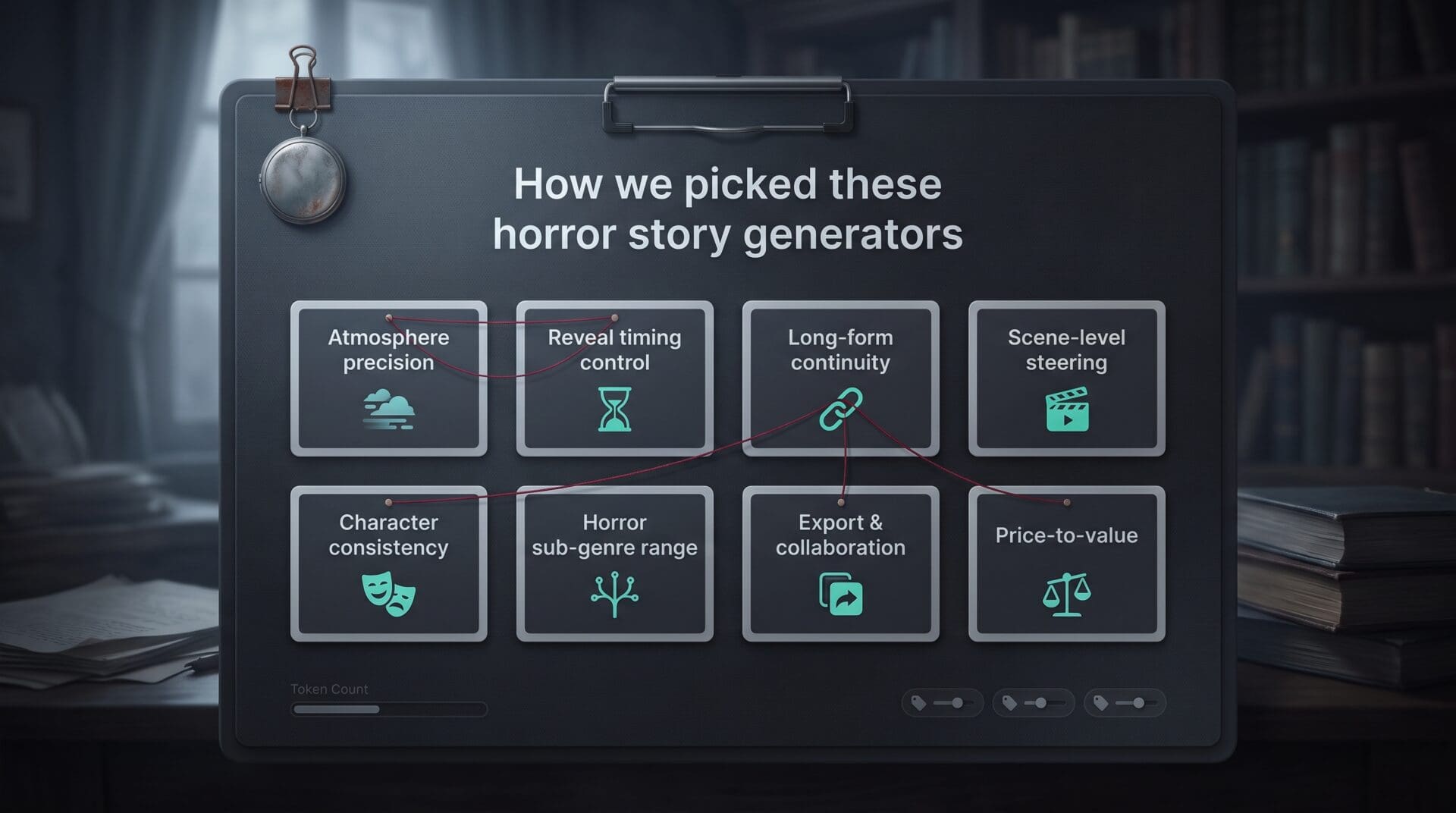
That question led to an eight-point scorecard:
- Atmosphere precision
- Reveal timing control
- Long-form continuity
- Scene-level steering
- Character consistency
- Horror sub-genre range
- Export and collaboration workflow
- Transparent price-to-value
DreamGen passes that test: the platform’s Scenario Codex tags every prop, room layout, and family secret, and a 30,000-token context window keeps those details live while you write. Its pricing page shows which tier unlocks that full memory length, so you know exactly what the upgrade buys before you commit. A locket dropped in act one can therefore still glitter in the right pocket three acts later without any manual note-juggling.
We left out one-click scare toys; they entertain, but they rarely keep a cursed locket in the right pocket from scene to scene.
The seven finalists excel in different lanes, so we ranked them on documented evidence, not personal taste. A quick comparison follows before we explore each pick.
At-a-Glance Comparison
| Tool | Ideal use | Core dread control | Biggest trade-off |
| DreamGen | Multi-character scenes | Role-play steering | No mobile app |
| Sudowrite | Novel-length projects | Story Bible memory | Credit meter can raise cost |
| NovelAI | Lore-heavy worlds | Lorebook plus bias sliders | Steep learning curve |
| Squibler | Screenplay structure | Scene workspace | Pricey for long scripts |
| AI Dungeon | Improvised branches | Multiplayer choices | Plots can wander |
| aiWriter.ai | Rapid short stories | Dedicated horror mode | Few third-party reviews |
| QuillBot | Fast prompts and rewrites | On-page variations | Minimal continuity tools |
1. DreamGen: Best for Directing Multi-Character Horror Scenes
Picture DreamGen as a tireless stage manager. You focus the spotlight, and it keeps every actor in unnerving sync.
Open a project in DreamGen AI story generator and choose Role-Play Mode. A built-in narrator, separate NPC channels, and group-scene chat let you decide who hears each creak, and who stays in the dark.
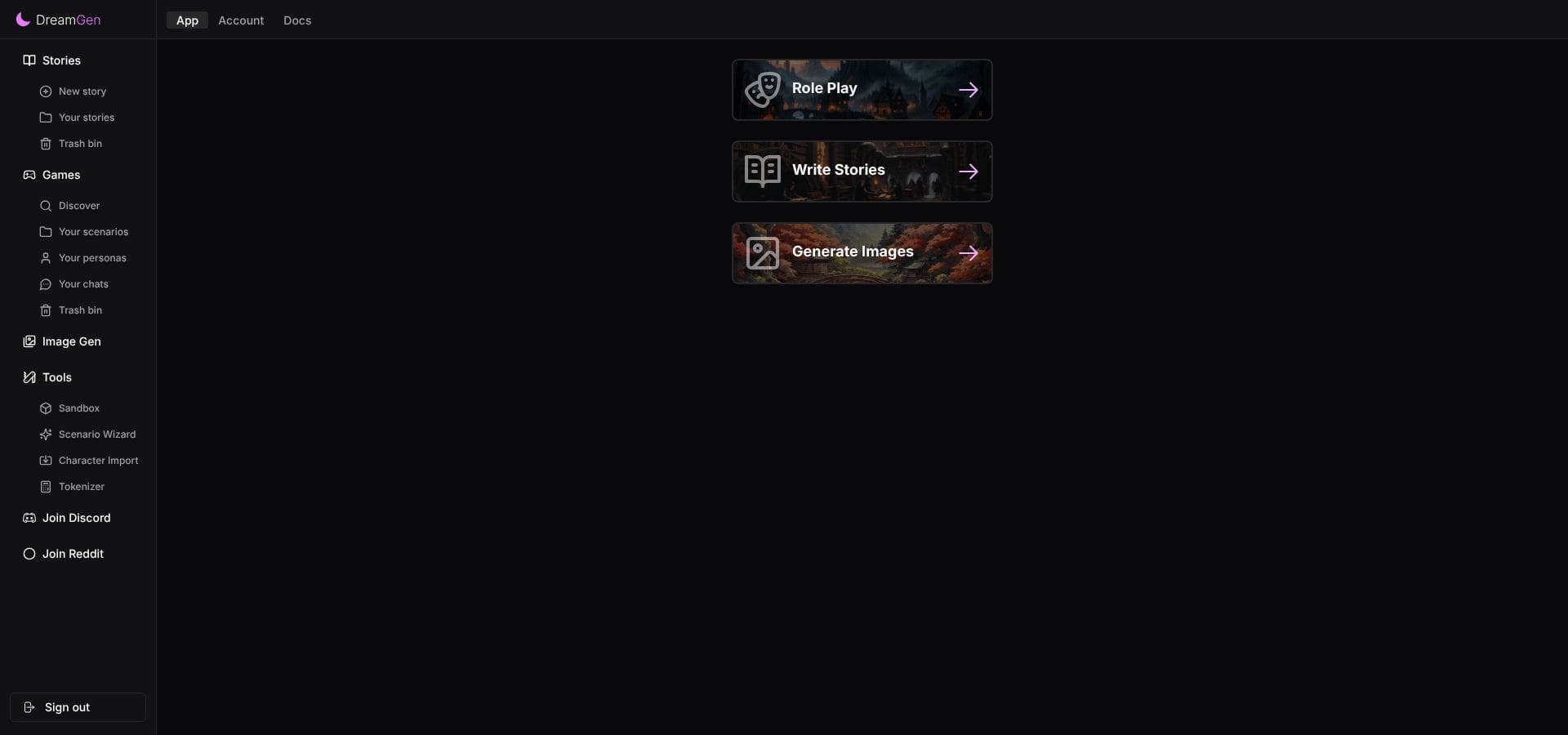
The DreamGen web dashboard, with Role Play and Write Stories side by side.
Switch to Story Writing Mode to refine beats: delay a reveal, reorder an entrance, or rewrite a moment without restarting the scene.
The Scenario Codex preserves props, backstories, and room layouts, while up to 30,000 tokens of context lets you track a cursed family across generations.
Know the trade-offs: there’s no dedicated mobile app, no text-to-speech, and the public scenario library is smaller than rivals.
Choose DreamGen when precise timing across multiple voices drives your terror; it hands you the conductor’s baton instead of a random scare box.
2. Sudowrite: Best for Sustaining Dread Across a Novel
Imagine a 400-page haunted manor; Sudowrite keeps each corridor cold.
The Story Bible locks in genre, outline, characters, and setting, so a broken locket from page 15 still glints in chapter 28. Its Muse model leans into sensory detail, dripping taps and brittle whispers, without slipping into cliché.
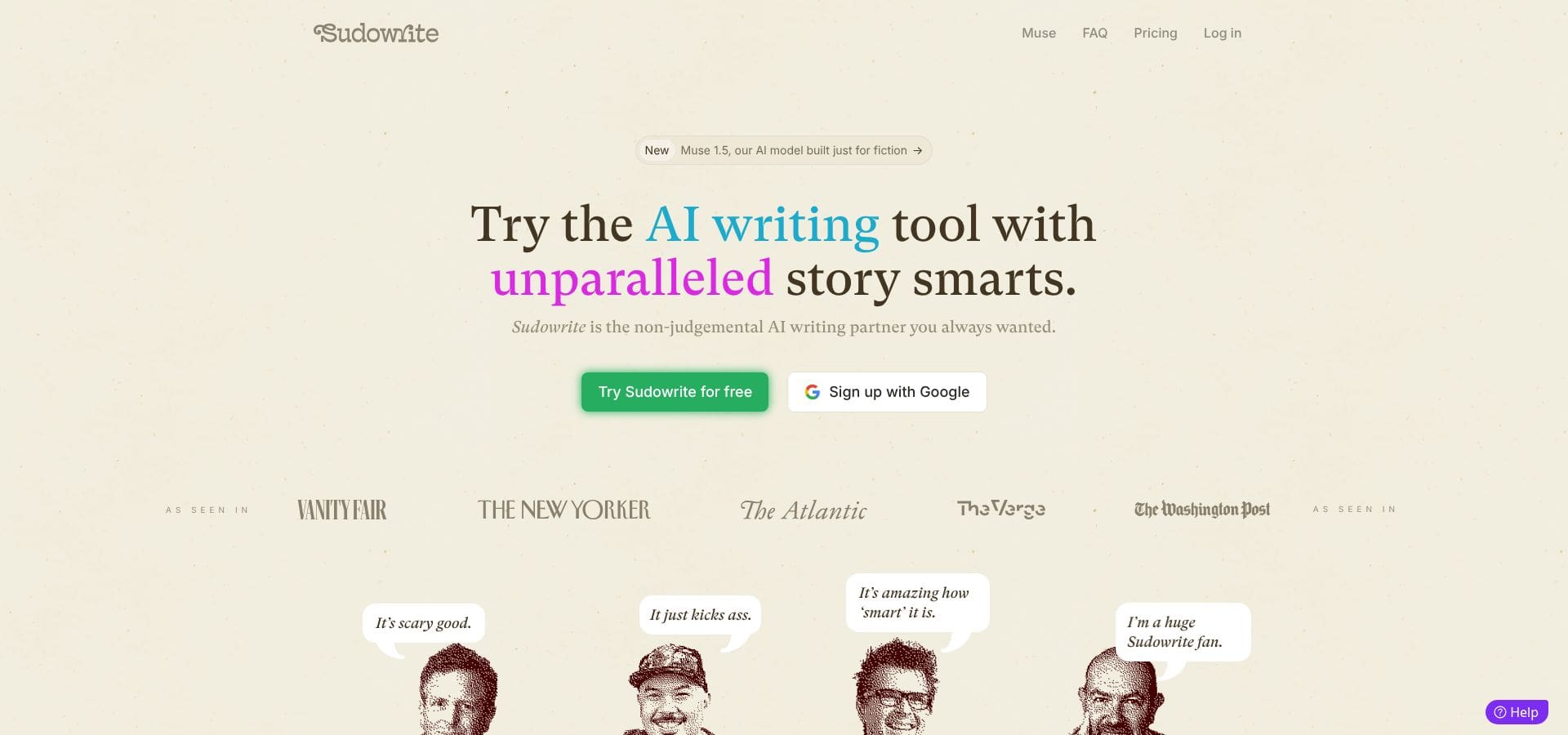
Sudowrite’s homepage, which introduces its Muse fiction model.
Write mode can read up to 20,000 manuscript words at once, giving the engine full context when you layer slow-burn tension or plant a betrayal three chapters ahead.
Need a tighter beat? Highlight a paragraph and ask for a rewrite in “breath-held hush.” Sudowrite trims exposition, sharpens verbs, and keeps plot facts intact within seconds.
Know the trade-offs: credits accrue per generation, so marathon drafting can raise costs, and screenplay formatting needs extra work.
For novelists who escalate dread by inches, Sudowrite is a loyal co-writer that never forgets a clue.
3. NovelAI: Best for Lore-Heavy Gothic and Cosmic Horror
Certain stories breathe history: blood-inked tomes, ancestral curses, half-remembered chants. NovelAI keeps that lore within reach.
The Lorebook, Memory, and Author’s Note pin cult rituals, pocket universes, and character secrets so the engine never breaks canon. Phrase-bias sliders push the vocabulary toward darkly poetic language while steering clear of stock screams.
Its premium model, Xialong, can read 28,672 tokens with an extra rollover buffer, so chapters of backstory stay live while you draft today’s scene.
Text Adventure mode lets you explore catacombs in second person, then shift to third-person manuscript once the path is clear; it feels more like spelunking with a narrating oracle than pressing “generate.”
Trade-offs: menus brim with toggles, and the longest context sits on the top subscription tier. Writers who enjoy tinkering will find chilling coherence, while those seeking quick simplicity may not.
4. Squibler: Best for Horror Screenplays and Structured Drafts
Stage directions are Squibler’s first language, and live horror lives or dies on them, as the stage adaptation of Paranormal Activity shows. Open a project and scenes, beats, and dialogue blocks appear like a clean call sheet.
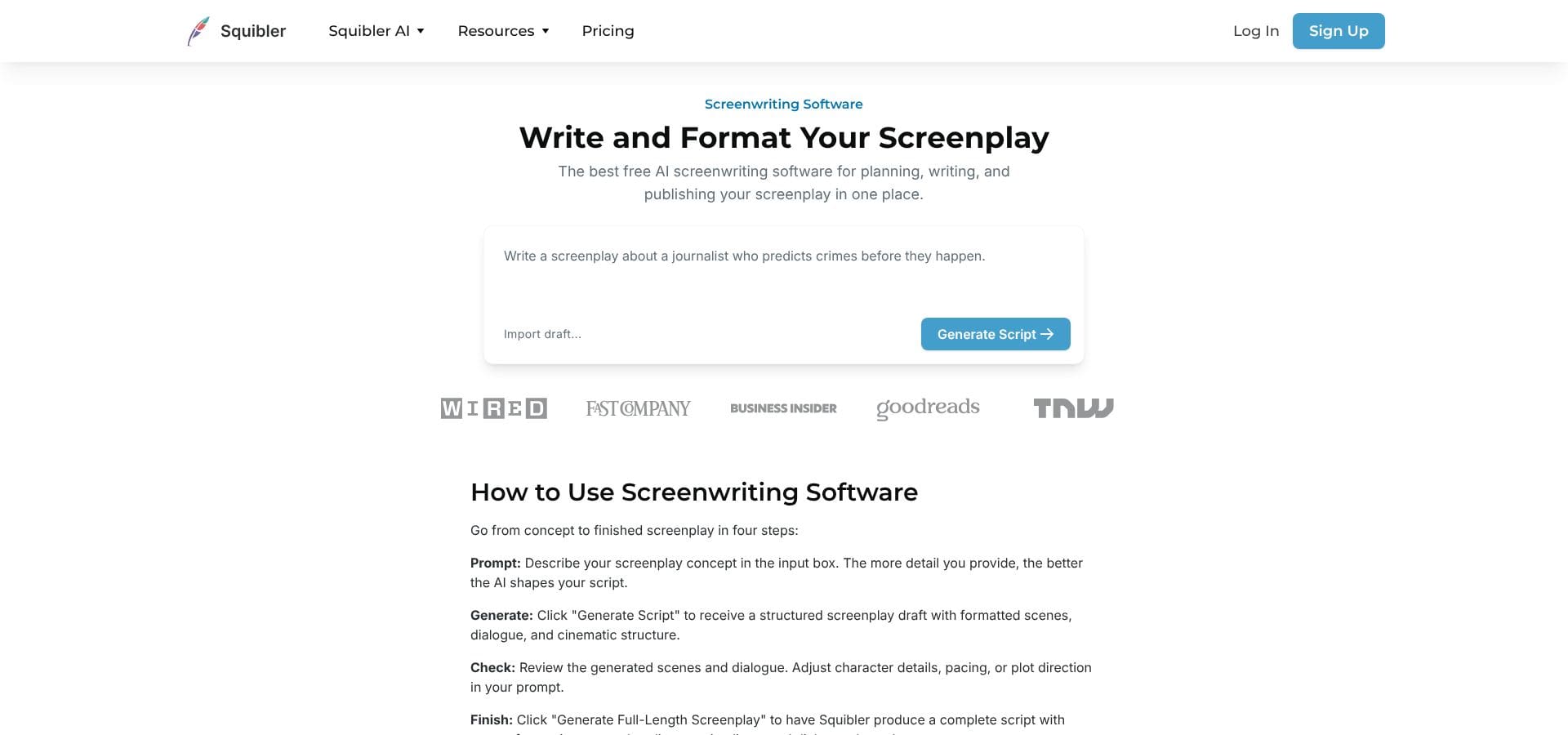
Squibler’s screenwriting page, where a prompt becomes a formatted script draft.
Switch to Screenplay Mode and type INT. ABANDONED THEATER – NIGHT. Squibler auto-formats slug lines, character cues, and parentheticals, so pacing stays crisp while you write the scares.
The scene board lets you shuffle acts, move a jump scare earlier, or duplicate a scene to compare alternate endings. Exports arrive in PDF or DOCX, polished for a table read, and real-time collaboration lets a director mark a pause mid-draft.
Know the trade-offs: long-form plans start around $30 per month, which can add up for weekly feature scripts, and the horror tone depends on your prompts rather than a built-in preset.
For writers who think in shots and beats, Squibler turns AI from a text box into a production workspace.
5. AI Dungeon: Best for Improvised Branching Horror
Sometimes the scariest path is the one the audience picks. AI Dungeon hands them the flashlight and says, “Lead on.”
Type a prompt and the engine builds a world. Its strength lies in three action types: Do for physical moves, Say for dialogue, and Story for nudging the narrator. Each turn becomes a fork; you can test one route, rewind, and follow another until the chill feels right.
Invite co-writers or actors with a quick eight-digit multiplayer code; only the host needs a subscription, so everyone explores together. Plot Essentials, Story Cards, and an Author’s Note keep continuity intact, and standard plans handle 4,000–32,000 tokens, enough for a sprawling murder house.
Trade-offs: game-style prose can wander, and second-person narration needs polishing before it reads like a finished script.
For rehearsal rooms that thrive on improv, “What if we open the wrong door?” AI Dungeon is a sandbox where every choice sparks a fresh scream.
6. aiWriter.ai: Best for Fast Stand-Alone Horror Stories
Deadlines do not wait for perfect moon phases. aiWriter.ai can spin a 1,000–2,000-word tale from a single prompt before your coffee cools.
Select the horror generator, choose cosmic, folk, or body horror, and the engine delivers a beginning, middle, and gut-punch end. Characters and worlds save to your account, so sequels appear without rebuilt lore.
Need more length? Tap Continue or open the novel workflow to stitch chapters together, then export in TXT, Markdown, DOCX, or EPUB straight into your editor
Trade-offs: as a newer platform, independent reviews are scarce, and drafting full novels requires paid tiers starting around $8.49 per month. Treat each output as a sturdy first take; tighten rhythm, layer subtext, and the story is ready for its first screaming audience.
7. QuillBot: Best for Quick Horror Starters and Rewrites
Stuck on page one? QuillBot hands you a lit match, often all the spark you need.
Its free horror generator asks for a prompt, tone, and setting, then delivers a tight opening scene. Follow-up instructions can deepen atmosphere, switch point of view, or slow the pace until readers lean in.
When sentences feel wooden, drop them into the Paraphraser and pick a spookier style. Grammar Check fixes tense shifts, while Flow stitches paragraphs into a smoother arc.
Trade-offs: QuillBot lacks a lorebook or long-term memory, so complex novels outgrow it quickly, and premium features start around $9.95 per month. For brainstorming hooks, punching up dialogue, or rescuing late-night exposition, it is a fast, low-friction tune-up shop.
Conclusion
Choosing the right AI story generator means matching the tool’s strongest horror-craft capability—whether continuity, branching improv, or screenplay structure—to your own creative priorities. Good horror writing can even hold a live theater audience, as the stage adaptation of Paranormal Activity proved on its North American tour. Use the comparison above to keep dread simmering until the final scream.